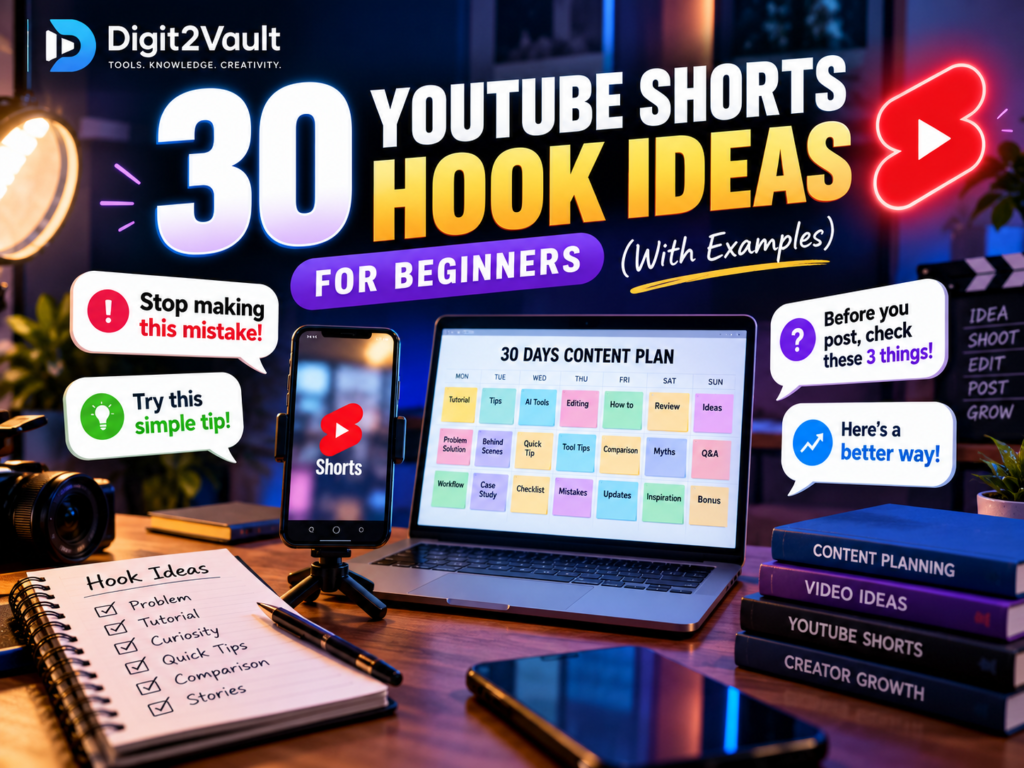
YouTube Shorts hook ideas can help you open a video with a clear reason for viewers to keep watching. A strong hook quickly introduces a problem, promises a useful lesson, or creates curiosity about something relevant. It should attract attention without misleading your audience.
Whether you create video editing tutorials, photography tips, AI tool demonstrations, or educational content, the right opening can make your message clearer. In this guide, you will find 30 adaptable YouTube Shorts hooks, examples, and simple formulas you can use when planning your next videos.
What Is a YouTube Shorts Hook?
A hook is the opening line, visual, question, or demonstration that introduces your video. It helps viewers understand what they are about to see and why it might be useful to them.
A hook can be spoken dialogue, on-screen text, an interesting visual, or a combination of these elements.
For example, instead of opening with “Hello everyone, welcome back to my channel,” a video editing creator could begin with:
“Before you export your next video, check these three settings.”
The second opening immediately tells viewers what the video covers.
A useful hook should be specific, easy to understand, relevant to your audience, and connected to the information you actually deliver.
For more practical guidance, explore YouTube’s official tips for creating Shorts.
30 YouTube Shorts Hook Ideas for Beginners
Here are 30 hooks divided into five categories. Adapt the wording to match your niche, experience, and the video you are making.
Category 1: Problem-and-Solution Hooks
These hooks introduce a challenge and suggest that the video will offer a practical solution.
1. “Struggling with [problem]? Try this simple approach.”
Example: “Struggling to organise your video projects? Try this simple folder system.”
Use it for beginner tutorials, workflow tips, and educational videos.
2. “Stop making this common [topic] mistake.”
Example: “Stop making this common video editing mistake.”
Explain the mistake clearly and show viewers a better approach.
3. “Before you [task], check these three things.”
Example: “Before you publish your next Short, check these three things.”
Use it for checklists, quality control, and publishing advice.
4. “Here is a simpler way to [achieve a result].”
Example: “Here is a simpler way to plan your weekly content.”
Demonstrate the process rather than merely describing it.
5. “If I were starting [activity] today, I would do this first.”
Example: “If I were starting a YouTube channel today, I would plan these four content categories first.”
This format works well for beginner advice and lessons learned.
6. “Your [result] not looking right? Check this first.”
Example: “Your video colours not looking right? Check your export and display settings first.”
Use a real, relevant troubleshooting example.
Category 2: Tutorial and How-to Hooks
These openings tell viewers that they will learn a practical skill.
7. “Here is how to [achieve a result] in three steps.”
Example: “Here is how to create a clean video title animation in three steps.”
Keep the tutorial focused enough to explain clearly in a Short.
8. “Watch me turn [starting point] into [final result].”
Example: “Watch me turn a basic clip into a polished video intro.”
Show the transformation quickly and explain the important steps.
9. “Try this shortcut the next time you [task].”
Example: “Try this keyboard shortcut the next time you edit a video.”
Demonstrate the shortcut on screen whenever possible.
10. “Here is a beginner-friendly way to learn [skill].”
Example: “Here is a beginner-friendly way to improve your thumbnail designs.”
Give viewers a clear first step they can practise.
11. “You can organise [task] with this simple workflow.”
Example: “You can organise your video production with this simple checklist.”
Show the workflow in a few clear stages.
12. “Let me show you where to find this useful setting.”
Example: “Let me show you where to find the export settings in your editing software.”
Use a screen recording or close-up demonstration to make the lesson easy to follow.
Category 3: Curiosity Hooks
Curiosity hooks introduce something viewers may not have considered. The video must answer the question or explain the observation.
13. “Most beginners overlook this part of [task].”
Example: “Many beginners overlook audio checks before exporting a video.”
Use it to explain an overlooked but relevant detail.
14. “I compared two ways to [task]. Here is what I noticed.”
Example: “I compared two thumbnail layouts. Here is how their readability differs.”
Only describe a comparison you have actually performed.
15. “This small change can make [result] easier to understand.”
Example: “This small change can make your thumbnail text easier to read.”
Show the original and revised versions.
16. “There is a reason your [result] might not look right.”
Example: “There is a reason your exported video might look different from your preview.”
Explain the possible cause accurately instead of promising a universal fix.
17. “What happens when you change just one setting?”
Example: “What happens when you change the frame rate of a video export?”
Show the difference and explain when the setting matters.
18. “Here is what I wish I had known before [activity].”
Example: “Here is what I wish I had known before planning my first month of content.”
Share a genuine lesson rather than inventing a personal experience.
Category 4: List and Quick-Tip Hooks
Lists work well when each item is useful and the video remains focused.
19. “Three tools that can help you [task].”
Example: “Three tools that can help you organise your content ideas.”
Name the tools and explain what each one does.
20. “Five ideas for your next [topic] Short.”
Example: “Five video editing ideas for your next YouTube Short.”
Give five distinct ideas that viewers can adapt.
21. “Three mistakes to avoid when [task].”
Example: “Three mistakes to avoid when designing a video thumbnail.”
Explain each mistake and how to improve it.
22. “Use this checklist before you publish your next video.”
Example: “Use this checklist to review your video audio, captions, and export.”
Present the checklist on screen so viewers can follow along.
23. “Four ways to improve [result] on a budget.”
Example: “Four ways to improve your video lighting without buying expensive equipment.”
Choose practical recommendations appropriate for your audience.
24. “Save these three steps for the next time you [task].”
Example: “Save these three steps for the next time you plan a week of content.”
Make the steps clear enough to be useful when viewers revisit the video.
Category 5: Story, Comparison, and Demonstration Hooks
These hooks introduce an experience, a process, or a comparison.
25. “I tried [method] for [period]. Here is what I learned.”
Example: “I tried batching my video recordings. Here is what I learned about organising production.”
Use this format only when you have actually tried the method.
26. “Here is how I approached [specific problem].”
Example: “Here is how I approached organising a messy collection of video files.”
Show the real steps and explain any limitations.
27. “From [starting point] to [result]: here is the process.”
Example: “From raw footage to a finished Short: here is the editing process.”
Use before-and-after visuals when they help explain the work.
28. “Which works better for [task]: [option A] or [option B]?”
Example: “Which is easier to read on a thumbnail: short text or a long headline?”
Compare the options fairly and explain the context.
29. “A common question about [topic] is worth answering.”
Example: “A common question about Shorts is how to plan a month of content.”
Use an actual audience question when referring to something a viewer asked.
30. “Here is one idea you can try in your next [project].”
Example: “Here is one content-planning idea you can try in your next video project.”
End with a clear, realistic action viewers can take.
A Simple Formula for Writing Your Own Hooks
You do not need to memorise all 30 examples. Use a simple formula to develop new hooks for your own audience.
Formula 1: Audience + problem + useful next step
Example: “New video editors, here is one way to organise your project files.”
Formula 2: Task + specific benefit
Example: “Plan your next seven videos with this simple calendar.”
Formula 3: Question + demonstration
Example: “Wondering how this transition works? Here is a quick demonstration.”
Formula 4: Comparison + clear question
Example: “Which layout is easier to read? Let us compare both versions.”
Replace the placeholders with genuine details from your niche. Avoid promising results that the video cannot demonstrate or support.
How to Choose the Right Hook
Before recording, ask yourself four questions:
- Does the opening tell viewers what the video is about?
- Is the benefit or question relevant to my intended audience?
- Can I deliver what the hook promises in this video?
- Does the first visual support the opening message?
Try writing two or three alternative openings while preparing a script. Choose the clearest one, then make sure the rest of the video delivers the promised lesson or demonstration.
Avoid long introductions, unrelated background information, exaggerated claims, and hooks that have little connection to the actual content.
A hook can help communicate the value of a video, but it cannot guarantee views, watch time, or channel growth. Topic selection, storytelling, video quality, audience interest, and many other factors also matter.
Use these YouTube Shorts hook ideas as starting points, then adapt each opening to your audience and the promise of your video.
Plan Your Next 30 Days of Shorts
Once you have a collection of opening hooks, organise them into a content calendar. Mix quick tips, tutorials, problem-solving videos, comparisons, and demonstrations so your channel does not depend on one format.
For a step-by-step monthly schedule, read our guide to How to Plan 30 Days of YouTube Shorts.
You can also visit the Digit2Vault Free Resources section and look for the free Creator Starter Pack. It includes planning resources such as short-video hook ideas, a monthly content calendar, and video production checklists.
Use these resources to organise your process and adapt the schedule to the time you have available.
Frequently Asked Questions
What is a good hook for YouTube Shorts?
A good hook introduces a specific problem, question, useful result, or demonstration. It should be easy to understand and relevant to the audience the video is intended to reach.
How do I write a hook for a YouTube Short?
Start with the viewer’s need or the lesson you want to teach. Write a clear opening sentence, pair it with a relevant visual or demonstration, and remove unnecessary introductory words.
Should I use on-screen text in a Short?
On-screen text can help communicate the topic, especially when viewers watch without sound. Keep the text readable and make sure it matches what the video actually shows.
Do YouTube Shorts hooks guarantee more views?
No. A strong hook may help viewers understand why a video is relevant, but views depend on many factors. Focus on delivering useful, accurate content rather than relying on a formula.
Can beginners use these 30 hook ideas?
Yes. Beginners can adapt the examples to their subject, available equipment, and experience. Start with simple tutorials, quick tips, and questions you can answer accurately.
Final Thoughts
The best YouTube Shorts hook ideas are not necessarily the loudest or most dramatic. They are the openings that make a clear promise, match the audience’s interests, and lead naturally into useful content.
Choose a few hooks from this list, adapt them to your topic, and test different approaches as you develop your own style.
Ready to plan your next videos? Visit Digit2Vault’s Free Resources section and explore the Creator Starter Pack to organise your ideas, calendar, and production workflow.